
Tech Support
At White Cloud Networks, we believe everyone deserves great internet.
We hate to see you sidelined by technical hiccups! Use the resources below to get back up and running. If your issues persist, our team is here to get you back online.
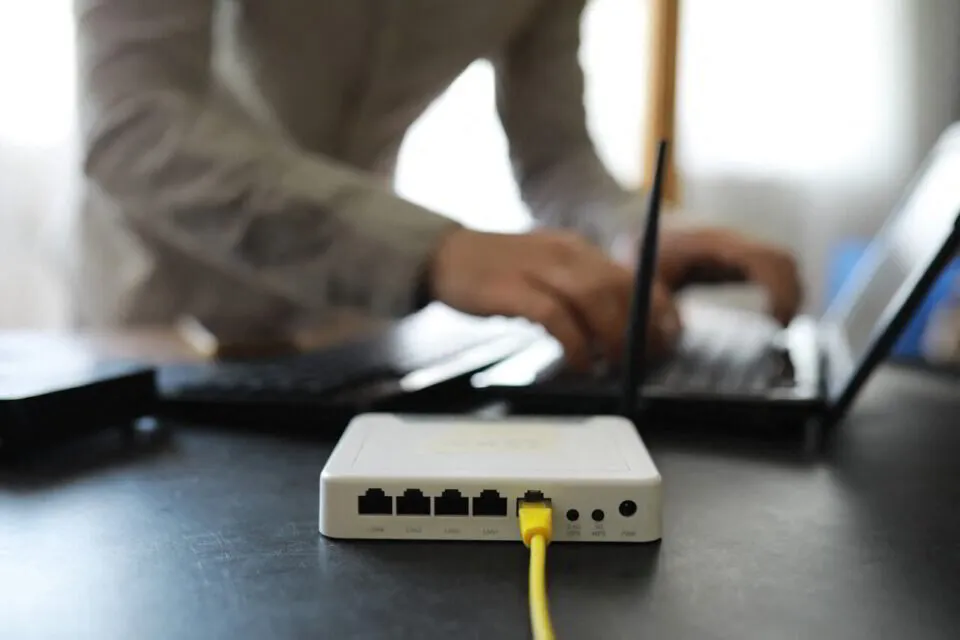
How to Troubleshoot Connectivity Issues
Check how many devices are connected to the Internet. Turning off devices that aren’t actively being used improves internet speed.
Try restarting the router. Doing this semi-frequently helps with internet speed, especially if you haven’t rebooted in over a month.
See instructions below
How To Restart (Reboot) Your Internet
Find your router — look for blinking lights. (See diagram)
Find the PoE (Power Over Ethernet) box connected to the router. It is the size of a deck of cards. (See diagram)
Unplug the PoE box from the wall outlet.
Unplug the router itself. DO NOT PRESS THE RESET BUTTON ON THE ROUTER
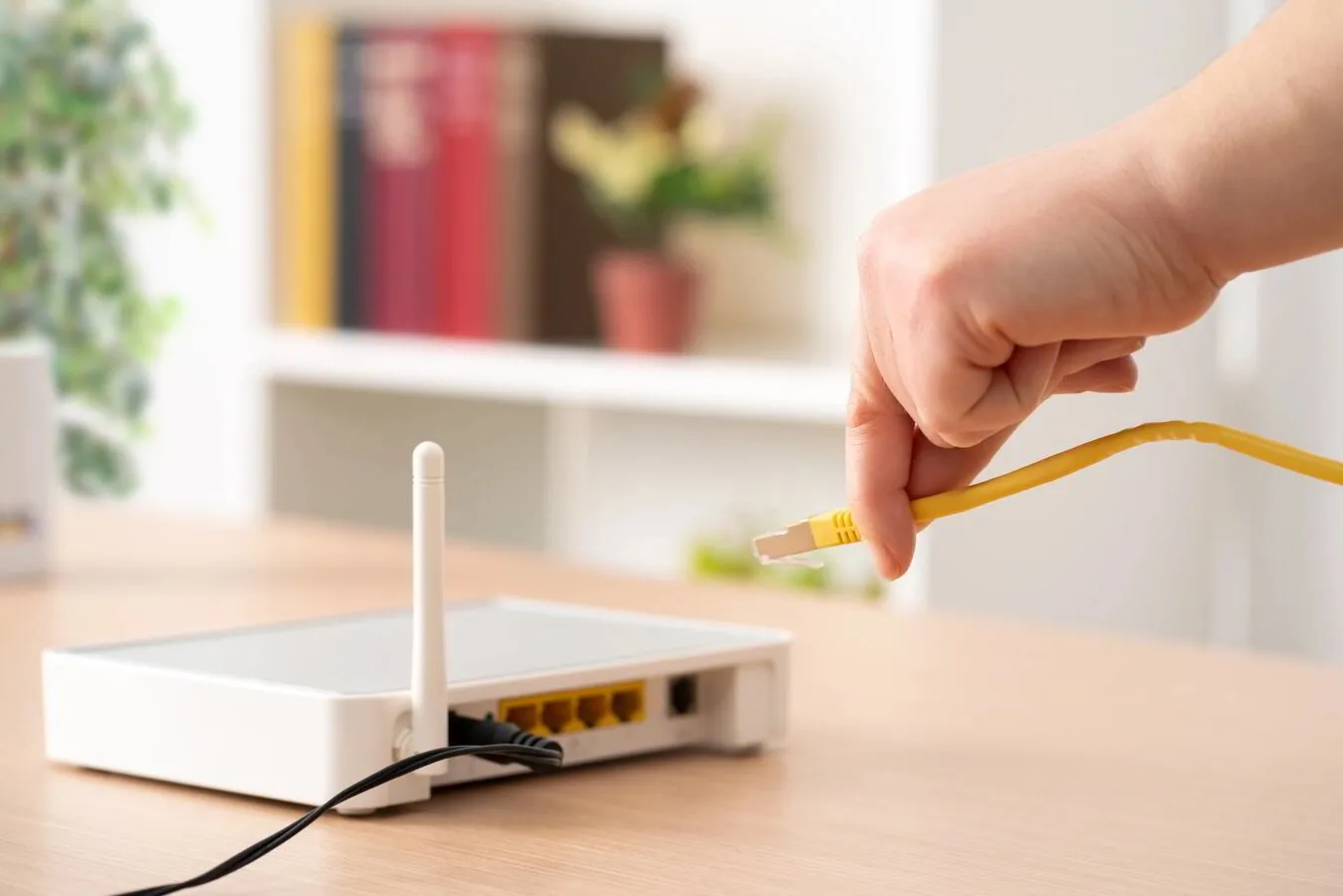
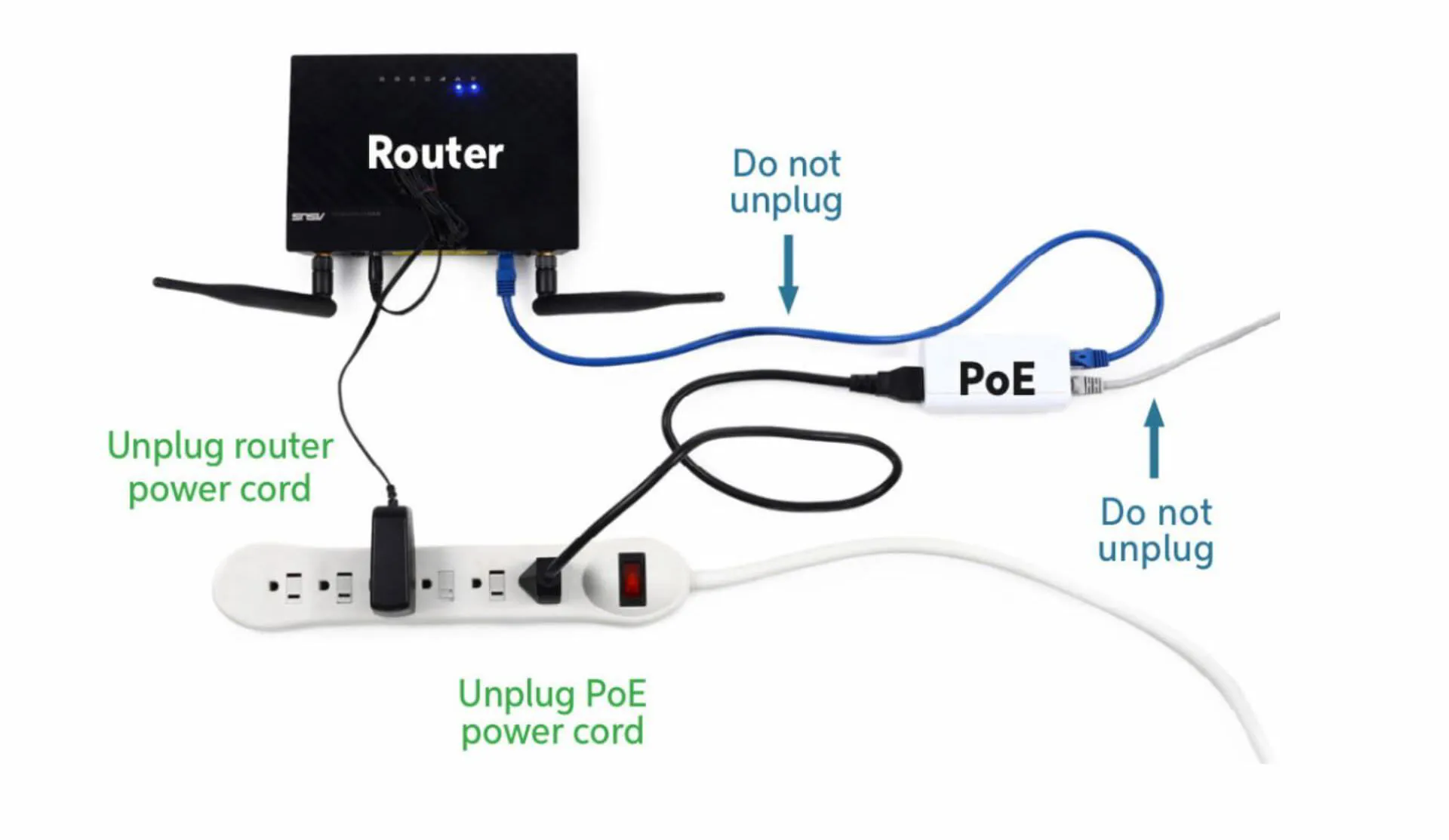
Router
Your router is a small device that takes information from the modem (antenna or satellite) and delivers it to your computer. A router allows you to connect wirelessly to the Internet on more than one device.
PoE injector
The term “PoE” stands for “Power over Ethernet”. It connects to your indoor router and can be either a black or white box the size of a deck of cards.